Topic brainstorming with audience fit
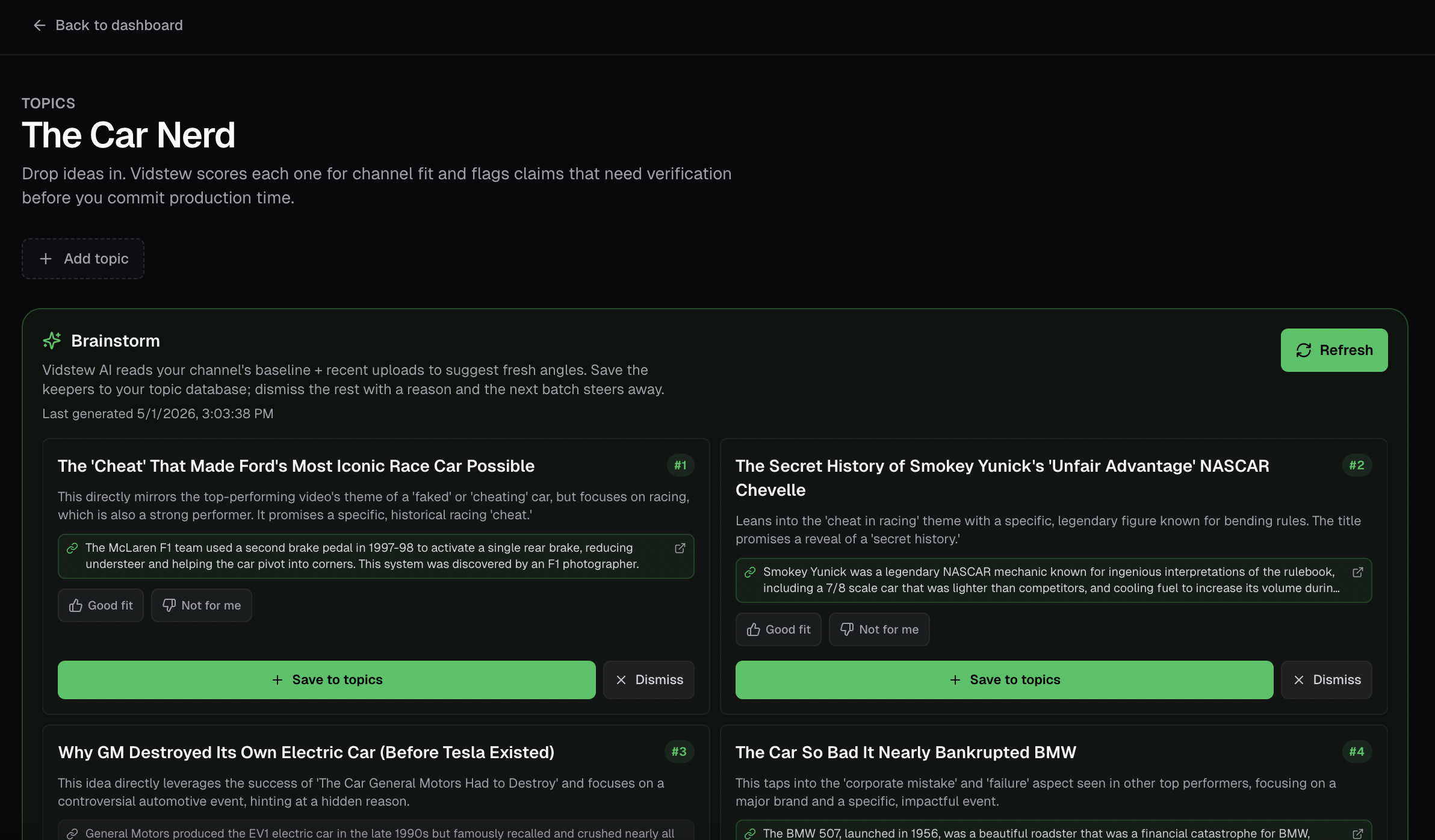
Drop an idea, get a verdict. AI reads your channel's recent uploads and tells you whether the premise lines up with the audience you've built — before you spend a week scripting.
Vidstew is an end-to-end project tool for YouTube channels. Brainstorm topics that fit your audience, package titles + thumbnails with AI scoring, run live recording with timestamped notes, hand off cuts to your editor, log A/B tests, and learn from every upload — all in one place.
No card required for the trial · Cancel anytime · Built on Gemini 2.5
What's inside
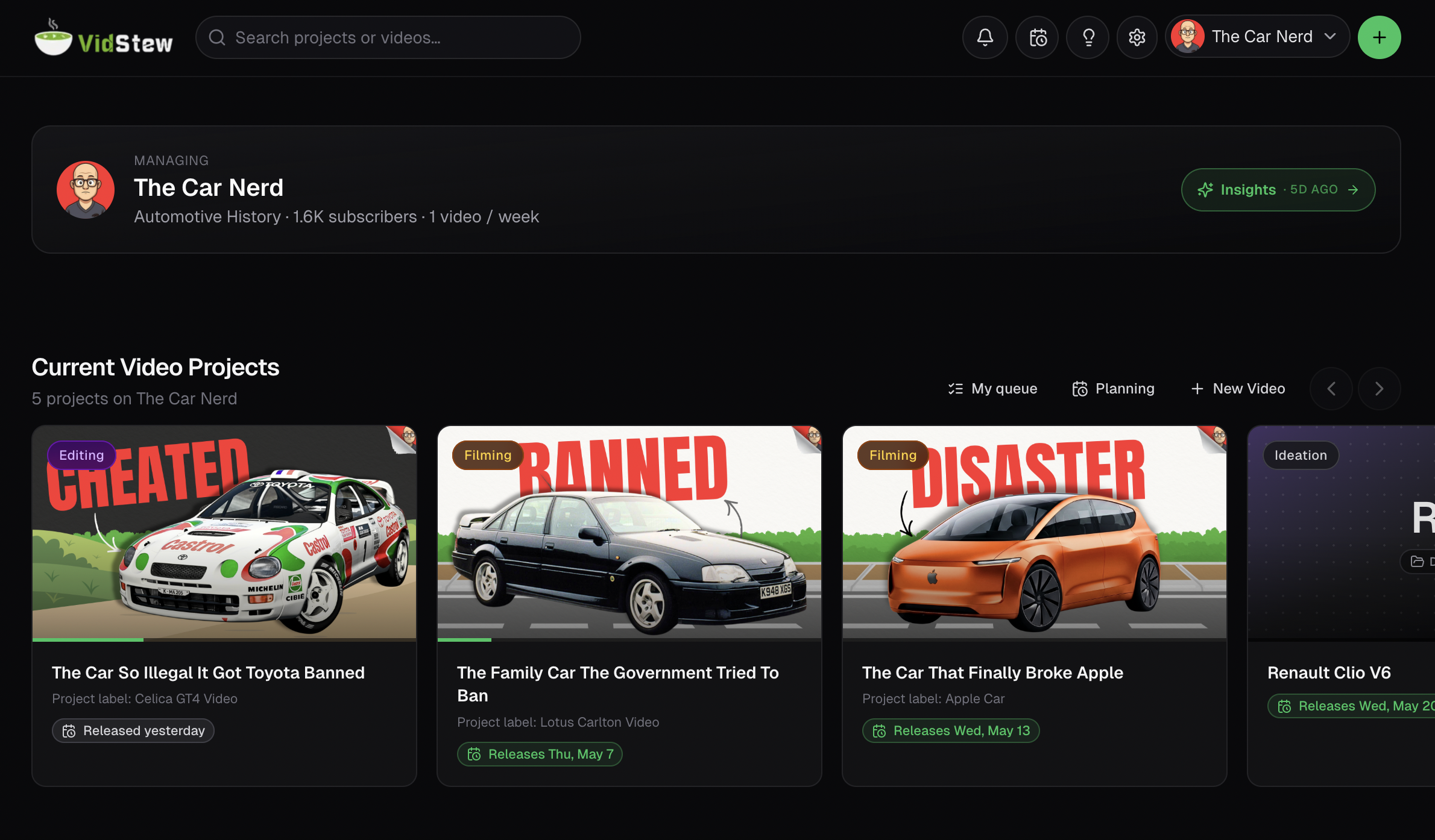
Vidstew walks every video through nine stages — Plan, Make, Learn — with AI checkpoints tuned for YouTube where they actually help, and project tooling everywhere else.
Drop an idea, get a verdict. AI reads your channel's recent uploads and tells you whether the premise lines up with the audience you've built — before you spend a week scripting.
Drop title + thumbnail combos. Each gets a score against your channel's recent winners — hook, visual pop, audience match. The trophy auto-tracks the highest-scoring concept.
Hit Start when the cameras roll. Every note you type while the timer runs gets stamped — your editor scrubs straight to the moment in the footage.
Recording notes + QA notes flow into the editor's read-only panels so they're not switching tabs. Hook + main edit live side-by-side; intro tracker + revisions baked in.
Watch & stamp mode pauses when you pause playback so timecodes match the cut, not your wall clock. Approve or send back with one click; the editor gets pinged.
Log thumbnail and title tests as you run them. Stripe-grade tracking for what worked vs missed across every video — no more 'I think the red one did better'.
Pull public stats from YouTube, get an AI read on what worked, and triage takeaways into durable lessons that flow into your next project.
Invite editors, designers, QA reviewers, strategists. Production-role gating means everyone sees what they need without drowning in noise.
How it works
Topic + brainstorm + audience fit + packaging + script. Your idea graduates into a real video without losing context between tools.
Recording with stamped notes → editing with read-only handoffs → QA with timecoded review → scheduling with collab email. Everyone sees what they need, when they need it.
A/B test results + performance pull + Gemini insights → durable lessons that flow into the next project. Compound learning across your channel.
Pricing
Every paid tier includes a 30-day Pro trial — no card required. Annual billing saves 26–32%.
Project management for one channel. Forever.
Free
Solo creators shipping consistently.
$49/ month
or $399/year (≈ $33/mo, billed annually)
Studios and agencies running multiple channels.
$79/ month
or $699/year (≈ $58/mo, billed annually)
Frequently asked
No. New accounts get 30 days of Pro automatically — every AI surface unlocked, no card required. After the trial, you'll drop to Free unless you've upgraded; nothing is auto-charged.
Nothing is deleted. Free has limits on channels (1), active projects (5), and teammates (2), and AI features become read-only — but every project and stage you've built stays. Re-upgrade anytime to unlock everything again.
Yes — we use YouTube's public Data API to pull your channel's recent uploads, view counts, thumbnails, and basic stats. We never ask for upload permissions or any scope that lets us touch your content. Read-only, public-data-only.
Yes. Pro includes unlimited teammates and they all use Pro features on your channel. Team adds production-role gating so editors only see editor-relevant tools, QA only see QA, etc. Your invitee never needs their own paid plan to work on your channel.
Gemini 2.5 Flash (Google) for the audience-fit checks, packaging analysis, topics fact-checking, and performance insights. We chose Gemini because of its grounding capabilities + cost profile — both meaningful for the kind of channel-specific analysis Vidstew runs.
Yes. The Manage Subscription button on your billing page opens the Stripe Customer Portal — cancel, swap plans, update card, or download invoices. Cancellations take effect at the end of your billing period.
Sign up free, get 30 days of Pro, and run your next video through Vidstew end-to-end. No card. No commitment.
Start free